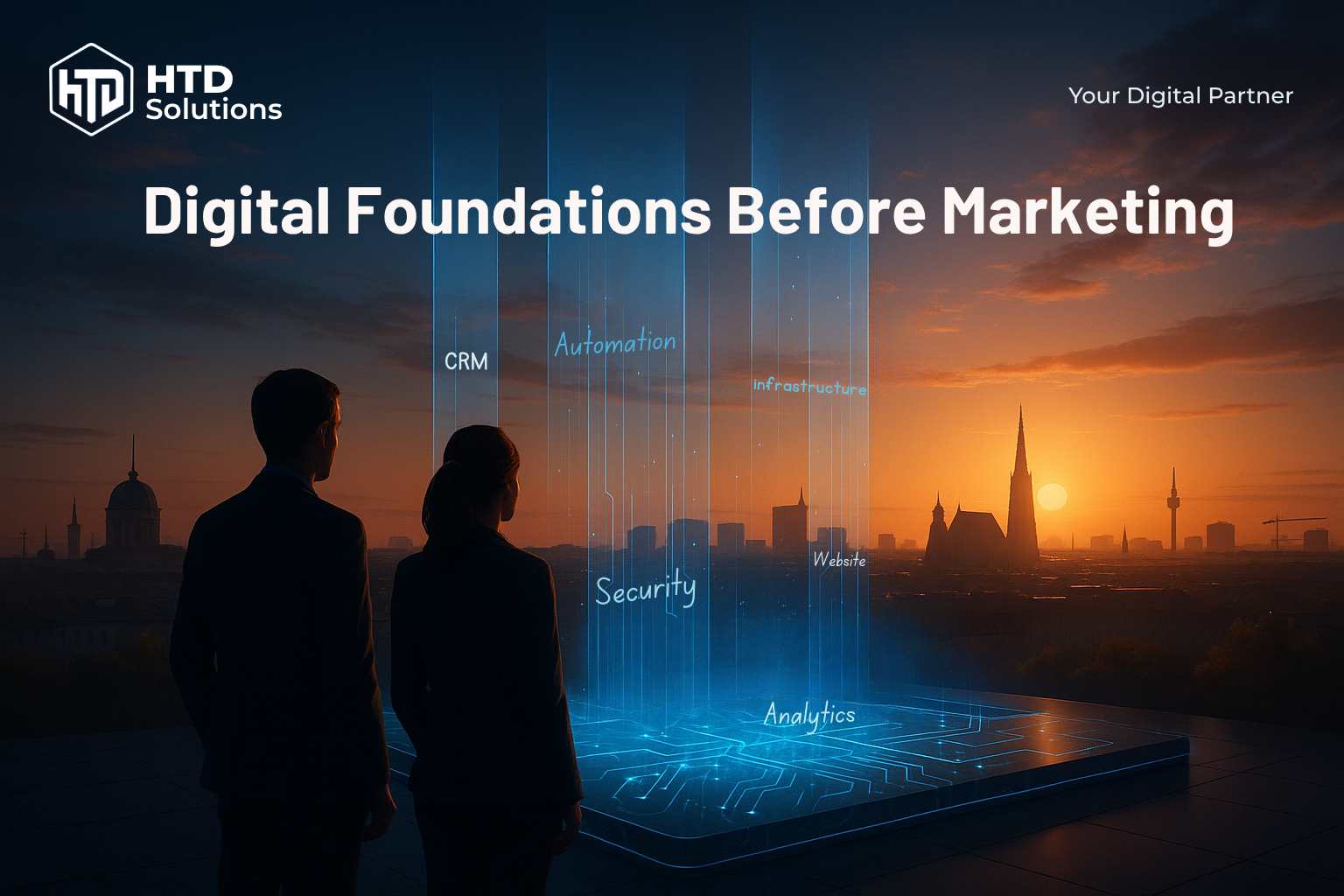
You've launched a marketing campaign. Traffic is coming in. But leads aren't converting, analytics are broken, and your team is drowning in manual tasks. Sound familiar?
The problem isn't your marketing—it's your digital foundation.
Before you spend another euro on ads, SEO, or social media, you need infrastructure that can actually support growth. Here's why—and how to build it.
Table of Contents
Quick Answer
The Problem
Most companies jump into marketing without the underlying infrastructure to support it, leading to wasted budgets and missed opportunities.
The Problem
Most companies jump into marketing without the underlying infrastructure to support it, leading to wasted budgets and missed opportunities.
The Solution
Build a scalable digital foundation with 12 essential components: Website, CRM, Analytics, Performance, DevOps, Cloud, IAM, APIs, Security, Automation, Backup, and Monitoring.
The Solution
Build a scalable digital foundation with 12 essential components: Website, CRM, Analytics, Performance, DevOps, Cloud, IAM, APIs, Security, Automation, Backup, and Monitoring.
The Result
Marketing campaigns that actually convert, data-driven decisions, automated workflows, and scalable infrastructure that grows with your business.
The Result
Marketing campaigns that actually convert, data-driven decisions, automated workflows, and scalable infrastructure that grows with your business.
A beautiful website with poor infrastructure is like a Ferrari with no engine—looks great but goes nowhere. Build your digital foundation first, then scale your marketing with confidence knowing the infrastructure can handle growth.
Why Digital Foundation Comes First
Here's the harsh truth: marketing doesn't fail because of bad ads or wrong keywords. It fails because the infrastructure can't handle the load.
The Leaky Bucket Problem
Imagine pouring water (marketing budget) into a bucket with holes (broken infrastructure):
- Slow website: Visitors bounce before they see your offer
- No CRM: Leads come in but aren't followed up
- Broken analytics: You can't tell what's working
- Manual processes: Your team wastes time on repetitive tasks
- No automation: Leads go cold while you sleep
The result? You burn through your marketing budget with little to show for it. Meanwhile, competitors with solid foundations are capturing the market.
The Right Approach
Smart businesses follow this sequence:
- Build the foundation: Website, CRM, analytics, automation
- Test the systems: Ensure everything works under load
- Scale marketing: Confident that infrastructure can handle growth
The 12 Essential Building Blocks
A complete digital foundation consists of 12 interconnected components. Each plays a critical role—skip one, and you create vulnerabilities.
Scalable Website & CMS
A professional website built with performance, SEO, and scalability in mind.
Without it: Without it: Slow load times, poor SEO rankings, frequent crashes during traffic spikes.
CRM & Lead Management
A system to capture, organize, and nurture leads automatically.
Without it: Without it: Leads fall through the cracks, no follow-up automation, sales teams work blindly.
Analytics & Data Tracking
Tools like Google Analytics 4, GTM, and event tracking to measure everything.
Without it: Without it: Flying blind—no idea what works, what converts, or where budget is wasted.
Performance Optimization
Fast page load times, optimized images, lazy loading, and CDN integration.
Without it: Without it: High bounce rates, poor user experience, lower conversion rates.
DevOps & CI/CD Pipeline
Automated testing, deployment, and version control with Git.
Without it: Without it: Manual deployments, frequent bugs, downtime during updates.
Cloud Infrastructure & Scalability
Cloud hosting (AWS, Azure, GCP) that scales with demand.
Without it: Without it: Server crashes during high traffic, expensive fixed hosting costs.
Identity & Access Management
Secure user authentication, role-based access, and SSO integration.
Without it: Without it: Security vulnerabilities, poor user experience, compliance issues.
API & Integration Layer
APIs to connect your website, CRM, email tools, and third-party services.
Without it: Without it: Data silos, manual data entry, broken automation workflows.
Security & Compliance
SSL certificates, GDPR compliance, data encryption, and security headers.
Without it: Without it: Data breaches, legal fines, loss of customer trust.
Automation & Workflows
Automated email sequences, lead scoring, and marketing automation.
Without it: Without it: Manual repetitive tasks, slow response times, missed opportunities.
Backup & Disaster Recovery
Regular automated backups and recovery procedures.
Without it: Without it: Risk of permanent data loss, extended downtime after incidents.
Monitoring & Alerts
Real-time monitoring of uptime, performance, and security threats.
Without it: Without it: Undetected issues, delayed response to problems, poor reliability.
Regional Considerations for Austria & DACH
If you're operating in Austria, Germany, or Switzerland, pay extra attention to:
- GDPR Compliance: Mandatory for EU businesses—ensure proper consent management
- Data Residency: Consider hosting in EU data centers for compliance and performance
- German Language SEO: Optimize for both formal (Sie) and informal (du) depending on target audience
- Local Payment Systems: Integrate SEPA, Sofortüberweisung, and other regional payment methods
Real-World Case Studies
Case Study: LeadGenPro (The Leaky Funnel)
B2B SaaS Company, 15 Employees
The Problem:
LeadGenPro spent €10,000/month on Google Ads driving traffic to their website. Traffic was strong, but conversions were abysmal.
What Went Wrong:
- No CRM integration: Leads submitted forms, but there was no automated follow-up
- Broken analytics: Conversion tracking wasn't set up properly—they had no idea which ads worked
- Slow website: Page load time was 7 seconds—67% of visitors bounced immediately
- Manual lead handling: Sales team received leads via email, often responded days late
The Fix:
- Integrated HubSpot CRM with automated lead nurturing
- Set up Google Analytics 4 + GTM with proper conversion tracking
- Optimized website performance—reduced load time to 1.8 seconds
- Implemented automated email sequences for immediate lead follow-up
The Results:
- Lead conversion rate increased by 320% (from 0.8% to 3.4%)
- Cost per lead dropped by 45% (from €125 to €68)
- Sales team response time went from days to minutes
- ROI on marketing spend improved by 280%
Case Study: FashionHub (Built to Scale)
E-commerce Fashion Brand, 8 Employees
The Smart Approach:
Before launching their marketing campaigns, FashionHub invested 3 months building a rock-solid digital foundation.
What They Built:
- Shopify Plus with custom theme optimized for speed (Core Web Vitals: all green)
- Klaviyo for email marketing automation (welcome series, abandoned cart, post-purchase)
- GA4 + enhanced e-commerce tracking—every click, add-to-cart, and purchase tracked
- CloudFlare CDN for global performance
- Customer data platform (CDP) syncing data between Shopify, Klaviyo, and Facebook Ads
When Marketing Launched:
They ran a €15,000 Meta Ads campaign during their first month. Because the foundation was solid:
- Website handled traffic spikes without crashing
- Abandoned cart emails recovered 18% of lost sales
- Analytics accurately tracked which ads drove purchases
- Post-purchase automation turned buyers into repeat customers
The Results (First 6 Months):
- 2.5% conversion rate (industry average: 1.0%)
- €180,000 in revenue from €50,000 ad spend (3.6x ROAS)
- 32% of customers made repeat purchases within 90 days
- Revenue grew 150% in 6 months without increasing headcount
Key Takeaway
The difference between LeadGenPro and FashionHub? FashionHub built the foundation first. They didn't wait until things broke—they engineered for scale from day one.
Your 7-Day Implementation Roadmap
You don't need months to get started. Here's a practical 7-day plan to establish your digital foundation:
Audit Current State
Tasks:
- Run website performance test (Google PageSpeed Insights)
- List all tools currently in use (website platform, email, CRM, analytics)
- Identify gaps: What is missing? What is broken?
- Document current lead flow: How do leads enter and where do they go?
✓ Deliverable: Gap analysis document
Fix Performance Issues
Tasks:
- Compress images and enable lazy loading
- Set up CDN (Cloudflare free tier)
- Enable browser caching and Gzip compression
- Test mobile responsiveness
✓ Deliverable: Website loading under 3 seconds
Set Up CRM & Lead Capture
Tasks:
- Choose a CRM (HubSpot free, Pipedrive, or Salesforce)
- Create lead capture forms on key pages
- Set up automatic lead assignment to sales team
- Test form submissions end-to-end
✓ Deliverable: CRM capturing and routing leads automatically
Implement Analytics
Tasks:
- Set up Google Analytics 4 property
- Install Google Tag Manager
- Configure key events: form submissions, button clicks, page scrolls
- Set up conversion goals
✓ Deliverable: Full visibility into user behavior and conversions
Security & Compliance
Tasks:
- Install SSL certificate (HTTPS)
- Set up automated backups
- Add GDPR-compliant cookie consent banner
- Review and update privacy policy
✓ Deliverable: Secure, compliant website
Build Automation Workflows
Tasks:
- Set up automated email welcome sequence
- Create abandoned cart recovery email (e-commerce)
- Implement lead scoring in CRM
- Connect CRM to email marketing tool (Mailchimp, Klaviyo, etc.)
✓ Deliverable: Automated lead nurturing running 24/7
Test & Go Live
Tasks:
- Run full end-to-end test: Submit form → CRM → Email automation
- Test website under load (loader.io free tier)
- Verify analytics tracking accurately
- Document processes for team
✓ Deliverable: Fully functional digital foundation ready for marketing
After Day 7: You're Ready to Scale
With your digital foundation in place, you can now confidently invest in marketing knowing:
- Your website can handle traffic spikes
- Every lead is automatically captured and nurtured
- Analytics show exactly what's working
- Automation runs 24/7 without manual intervention
- Your infrastructure is secure and compliant
(FAQs) Frequently Asked Questions
Ready to Build Your Digital Foundation?
Let's audit your current infrastructure and create a roadmap for scalable growth.