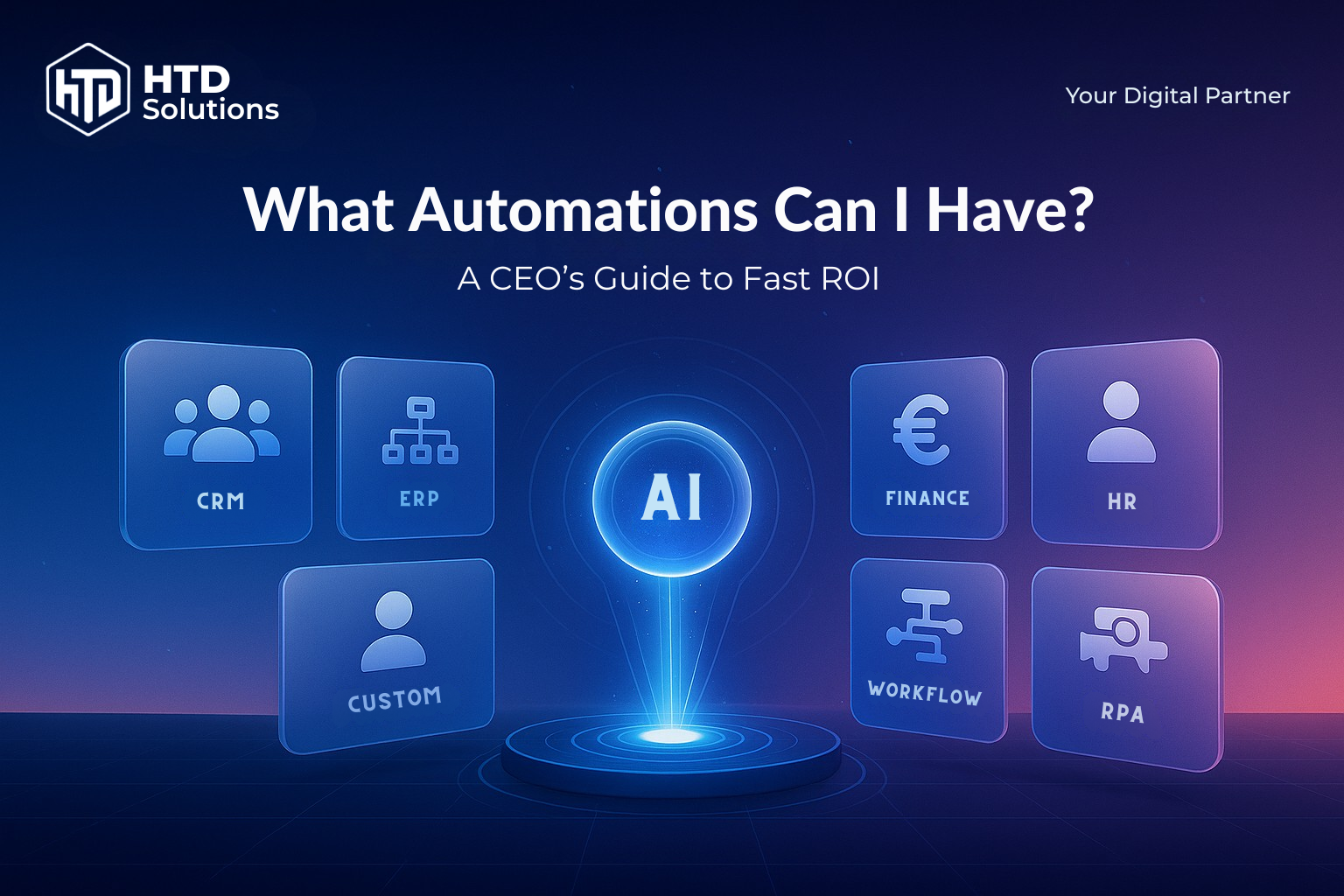
Most CEOs don't want to hear about APIs and models—they want outcomes. This playbook lists concrete automations any company can deploy quickly, what they do, how much time they save, and where they pay back. No jargon. Just business results.
Start where work is repetitive, rule-based, high-volume or time-sensitive. Typical quick wins: CRM follow-ups, invoice handling, lead nurture, support triage, report generation, and routine HR tasks.
Realistic payback for small projects is 1–3 months when you target processes with 10–50 hours/month of manual effort.
Table of Contents
Quick Answer
Quick wins
CRM follow-ups, invoice handling, lead nurture, support triage, report generation, and routine HR tasks
Quick wins
CRM follow-ups, invoice handling, lead nurture, support triage, report generation, and routine HR tasks
ROI timeline
Typical payback for small projects is 1–3 months when targeting 10–50 hours/month of manual effort
ROI timeline
Typical payback for small projects is 1–3 months when targeting 10–50 hours/month of manual effort
Best starting point
Look for repetitive, rule-based, high-volume or time-sensitive processes
Best starting point
Look for repetitive, rule-based, high-volume or time-sensitive processes
Automation delivers fast ROI when targeting repetitive, high-volume tasks—CRM follow-ups, invoice processing, lead nurturing, support triage. Start where manual work takes 10–50 hours/month. Typical payback: 1–3 months. Budget €2,000–€8,000 for proven workflows. Treat automation like pricing optimization—a direct margin lever that compounds over time.
Where automation pays first
Look for four signals:
1. Repetition
Same steps, same screens, same checks.
2. Volume
Many tickets, invoices, leads, or messages.
3. Waits/hand-offs
Multiple teams, re-keying, approvals.
4. Compliance
Logging and consistency matter.
Rule of thumb: If a task takes 5–10 minutes and happens hundreds of times per month, automation is almost always cheaper than doing it by hand.
25+ practical automations by department
1Sales & Revenue
Lead routing and enrichment
Auto-assign leads by territory and add firmographic data.
Follow-up sequences
If no reply in 48h, send a polite nudge, then task a rep.
Quote-to-Cash handover
When a deal closes, create project, invoice draft, and kickoff tasks.
Churn watch
Flag accounts with dropping usage; trigger a CSM check-in.
2Marketing
Content to distribution
Publish once; auto-repurpose to email, LinkedIn, and blog.
Lead scoring
Combine engagement and firmographics; alert sales only on qualified leads.
Ad spend guardrails
Pause ads when CPA exceeds a threshold for 3 days.
3Customer Support
Triage & auto-replies
Classify tickets (billing, returns, technical); send verified answers or route to the right queue.
FAQ chatbot
Deflect common questions from email/live chat 24/7, with handover to human.
Proactive alerts
If an order is late, message the customer before they ask.
4Finance & Admin
Invoice capture & approval
Read PDFs, match to PO, route to approver, post to accounting.
Expense compliance
Flag receipts missing VAT details; request a resubmission automatically.
Cash collection nudges
Friendly reminders before due date; escalate at +7/+14 days.
5Operations
Inventory thresholds
Reorder when stock falls below min levels; notify purchasing.
Delivery slotting
Auto-schedule pickups based on location and load.
Document generation
Create contracts, NDAs, and safety sheets from templates.
6HR & Recruiting
Candidate screening
Parse CVs, shortlist against must-have skills, schedule interviews.
Onboarding packs
Create accounts, assign equipment, and send first-week plan.
Policy acknowledgments
Track who has read and signed updates.
7IT & Security
Access requests
Approvals in Slack/Teams; grant/revoke roles automatically.
Patch windows
Notify, schedule, and verify patch completion with dashboards.
Backup checks
Test restores weekly; alert if RPO/RTO isn't met.
8Executive Reporting
Daily KPI brief
Email or Slack a 7-line summary at 07:00 (revenue, pipeline, cash, tickets, SLA, ads, inventory).
Board pack assembly
Pull the latest charts and notes into a single PDF.
ROI math in plain numbers
ROI math for AI and automation projects.
Example 1 — Invoices
400 invoices/month × 4 minutes manual = 1,600 minutes (≈27 hours). At €45/hour loaded cost, that's €1,215/month. If automation cuts 75%, you save €911/month.
Example 2 — Support triage
1,200 tickets/month × 2 minutes = 40 hours. At €40/hour, that's €1,600/month. A simple classifier that halves triage time saves €800/month.
Example 3 — Sales follow-ups
300 stale leads/month; converting just 2% more at €1,500 margin adds €9,000/month.
Payback formula: (hours saved × loaded rate + extra margin) ÷ project cost.
Small, well-scoped automations often pay back within a quarter.
A 30-day rollout plan
Identify
List top 10 tasks by volume and minutes. Pick 3 with the highest payoff.
Prototype
Map inputs/outputs; agree success metrics (time saved, error rate, conversion).
Pilot
Ship v1 for one team or one country. Log every exception; adjust rules/messages.
Expand
Roll to all teams; create a 1-page runbook (who fixes what, when).
Change management and data protection
People
Communicate "automation removes drudgery, not jobs." Reassign saved time to sales or client work.
Controls
Keep humans in the loop for money movement, contract edits, price changes, and data deletion.
Privacy & security
Store only what you need, encrypt, and audit. For EU clients, confirm data residency and DPA coverage.
Sources
- • Payback windows for automation/RPA: Forrester TEI Study
- • AP invoice costs & cycle times: Ardent Partners AP Metrics 2024, AP MTM 2023
- • Customer service automation & deflection: Intercom Lightspeed Case, Anthropic Intercom Study
- • Lead response time matters: Voiso Lead Response Analytics
- • Scope of what can be automated: McKinsey Automation Study
(FAQs) Frequently Asked Questions
Want a 60-minute Automation Opportunity Audit?
Get quantified savings potential and a clear roadmap. Our team will identify your highest-impact automation opportunities with realistic ROI projections.